Settings
Overview
The Settings page allows administrators to manage feature permissions and configure global settings that affect the entire application.
Navigation
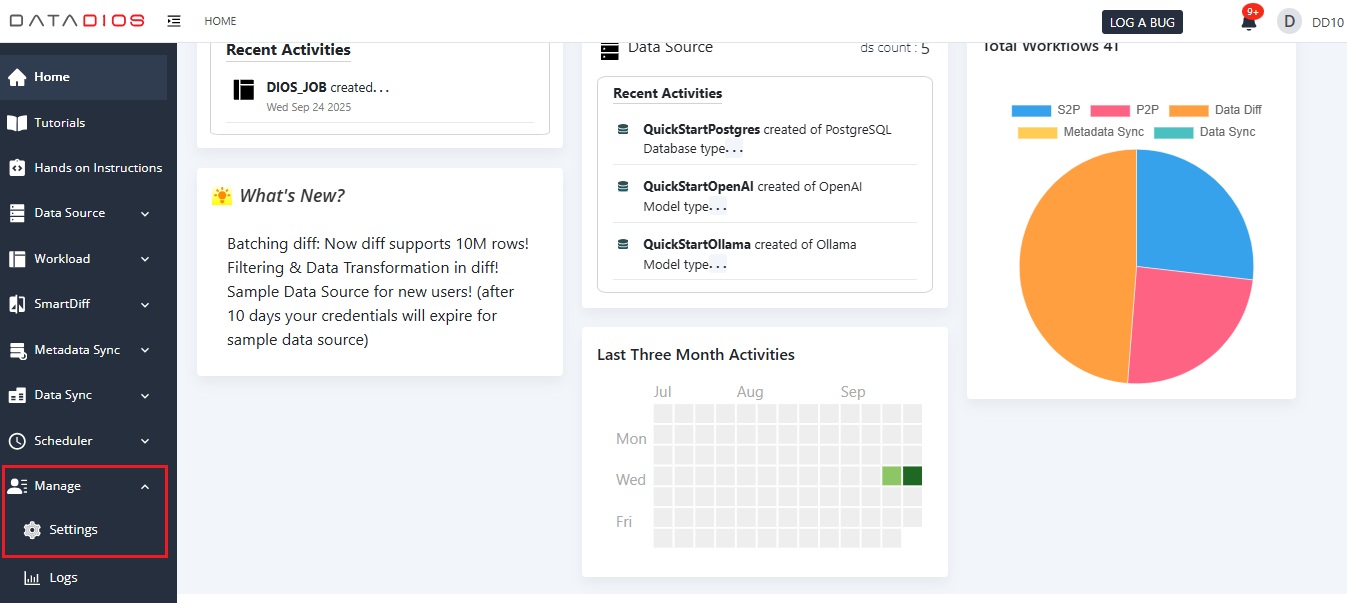
- Access the Settings page by selecting the Settings option under the Manage section in the left-side panel.
Sections
- The Settings page contains two tabs:
- Select the desired tab to manage user permissions or global configurations.
- The default tab is User Permissions. It is for enabling and disabling user access to various modules and features.