Manage
Overview
The Manage section provides administrative tools and configuration options to control how the system operates, who can access it, and what resources are available.
Navigation
- Access the Manage section by selecting the Manage option in the left-side panel.
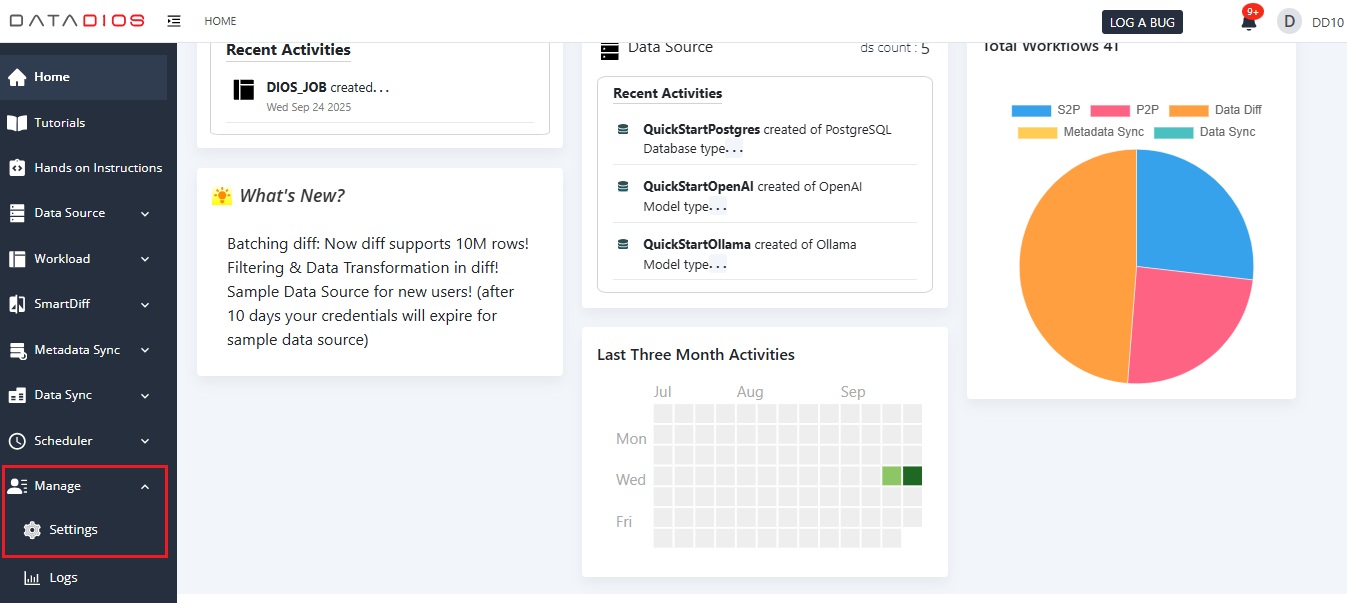
Features
- Add, edit, update, or delete users. Assign roles and permissions for better access control.
- Configure global settings that affect the entire application, including system preferences and default behaviors.
- Enable the features and services for all users.
- View detailed logs of user activities and system events for auditing and troubleshooting.
- Manage the resources and policies associated with your organization.
Sections
Manage page is divided into the following main categories: